
How to Get the Parallels Desktop Student Discount (50% Off, Always On)
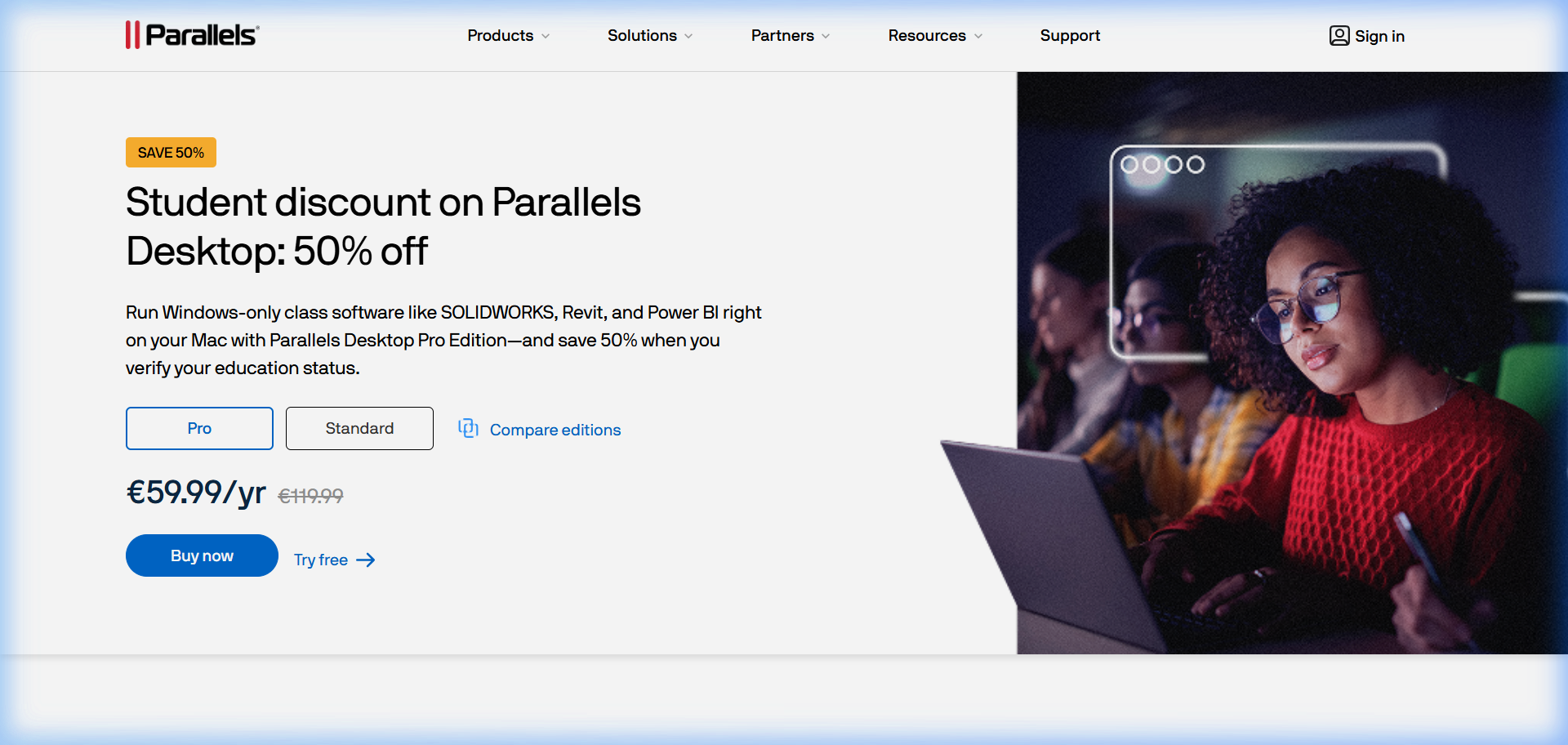
Parallels Desktop costs $99.99/year for the Standard edition. If you’re a student or educator, you pay $49.99. That’s the student price, and it’s available year-round with no code needed.
This is one of the cleaner student discounts in software - no annual reverification hassle, no third-party verification service that takes three days, no waiting for a sale window.
Who Qualifies
Students: Currently enrolled at any accredited educational institution - high school, undergraduate, graduate, community college.
Faculty and educators: Full-time or part-time instructors, professors, teaching assistants.
Researchers: In some cases, academic researchers affiliated with a university.
The discount is verified through Parallels’ education store rather than through a third-party service. You purchase through their education pricing page.
How to Get It
Go to the Parallels Desktop Education page at parallels.com/education/. The education store shows the student/educator pricing. Purchase through this page rather than the main store page.
Some institutions also partner with Parallels for even deeper discounts through their campus software portal (e.g., OnTheHub). Before buying directly, check whether your school offers Parallels through their software distribution system.
What you get with the student edition: Same software as the Standard edition - no feature limitations. Full Parallels Desktop 26, Windows installation support, Coherence Mode, all features. The only difference is the price.
Why Students Need Parallels
The number one reason students get Parallels: required software for their program that only runs on Windows.
Architecture students need Revit. Engineering students need SolidWorks or AutoCAD. Accounting students need QuickBooks Desktop or tax software. Business students sometimes need Windows-only data tools. Many campus labs run Windows software, and having it on your Mac at home closes the gap.
The second reason: gaming. Students who switched to Mac and still want their Steam library.
Getting Windows Running After You Install Parallels
The fastest path to Windows from nothing:
- Download and install Parallels Desktop from parallels.com (using the student pricing page)
- Open Parallels. It prompts you to install Windows.
- Click “Install Windows” - Parallels downloads Windows 11 from Microsoft and installs it automatically. No Windows ISO needed, no separate key needed.
- Windows boots inside Parallels in about 15 minutes total.
- Install whatever software you need inside Windows.
On an M-chip Mac, Windows boots in under 10 seconds once installed. From there, you install your Windows software just as you would on a PC.
Frequently Asked Questions
Does Parallels verify student status? Parallels uses a simplified education purchase path. Depending on the verification method they’re using at the time of your purchase, you may need to verify with a .edu email or through a partner service.
Is the student edition of Parallels limited in any way? No. It’s the full Standard edition software at a reduced price. All features are included.
Can I upgrade from student to full pricing later? Student pricing renews at student rates as long as you maintain student eligibility. If you graduate and want to continue, you renew at the standard price.
Does the student discount apply to upgrades? Yes, typically - education pricing usually applies to renewals and upgrades while you remain a student.
What if my school provides Parallels through campus software? Check your campus IT portal (OnTheHub, JourneyEd, and similar platforms are common distributors). Your school may offer Parallels at a deeper institutional discount than the direct student pricing.
Can I use the student edition for work projects? The student license is intended for educational use. The terms restrict it to non-commercial academic use. For professional work, the standard license is the right one.
Parallels VM Resource Calculator
Find the best CPU and RAM allocation for your setup