
Buying Parallels Desktop: Which Edition Do You Need and What Does It Cost?
Parallels Desktop comes in three editions. Most people buy the wrong one because the feature differences aren’t clearly explained. Here’s the simple breakdown.
The Three Editions
Standard Edition ($99.99/year or $149.99 one-time) This is the right choice for the majority of users: home users, professionals, students (with student discount: $49.99/year).
What Standard includes:
- Full Windows 11 installation
- Up to 8 vCPUs and 128 GB RAM for your VM
- Coherence Mode
- Shared Clipboard, Drag-and-Drop, Shared Folders
- Parallels Toolbox (25+ Mac utilities)
- Parallels Access (remote control from iPhone/iPad)
- 14-day free trial
If you’re running QuickBooks, Revit, AutoCAD, Office, or any standard Windows app - Standard is sufficient.
Pro Edition ($149.99/year - subscription only) Pro is for power users and developers who need more from the VM.
What Pro adds over Standard:
- Up to 32 vCPUs and 128 GB RAM allocation (for CPU-intensive workloads)
- Developer tools: integration with Docker, Vagrant, support for ARM64 VMs
- Visual Studio performance profile pre-configured
- Priority support
- Parallels Access included with extended features
Who needs Pro: software developers running build environments, VMs that compile large codebases, or users running multiple simultaneous VMs with heavy CPU demands. Most non-developer professionals don’t need it.
Business Edition ($149.99/user/year) For organizations deploying Parallels across multiple employees.
What Business adds:
- Centralized management console (deploy and configure VMs across users)
- MSI packaging for IT deployment
- Single license key for volume deployment
- Volume pricing discounts for 10+ licenses
Who needs Business: IT departments rolling out Parallels to a team. Individual users and small teams don’t need Business.
Subscription vs. Perpetual License
Annual Subscription ($99.99/year for Standard):
- Includes all major version upgrades
- Includes new macOS compatibility updates
- Windows license included
- Cancel any time (access stops at end of billing period)
Perpetual License ($149.99 one-time for Standard):
- You own this version permanently
- Works as long as it’s compatible with your macOS version
- Future major versions require a paid upgrade (typically $49.99 - $69.99)
- Windows license is included for the current version
Which is better value? For most users, the subscription. You always have the latest version, always have macOS compatibility, and the $100/year is less than the cost of buying a new perpetual license every couple of years. If you’re planning to use the same Mac and macOS version for many years without upgrading, the perpetual license can be cheaper long-term.
Where to Buy
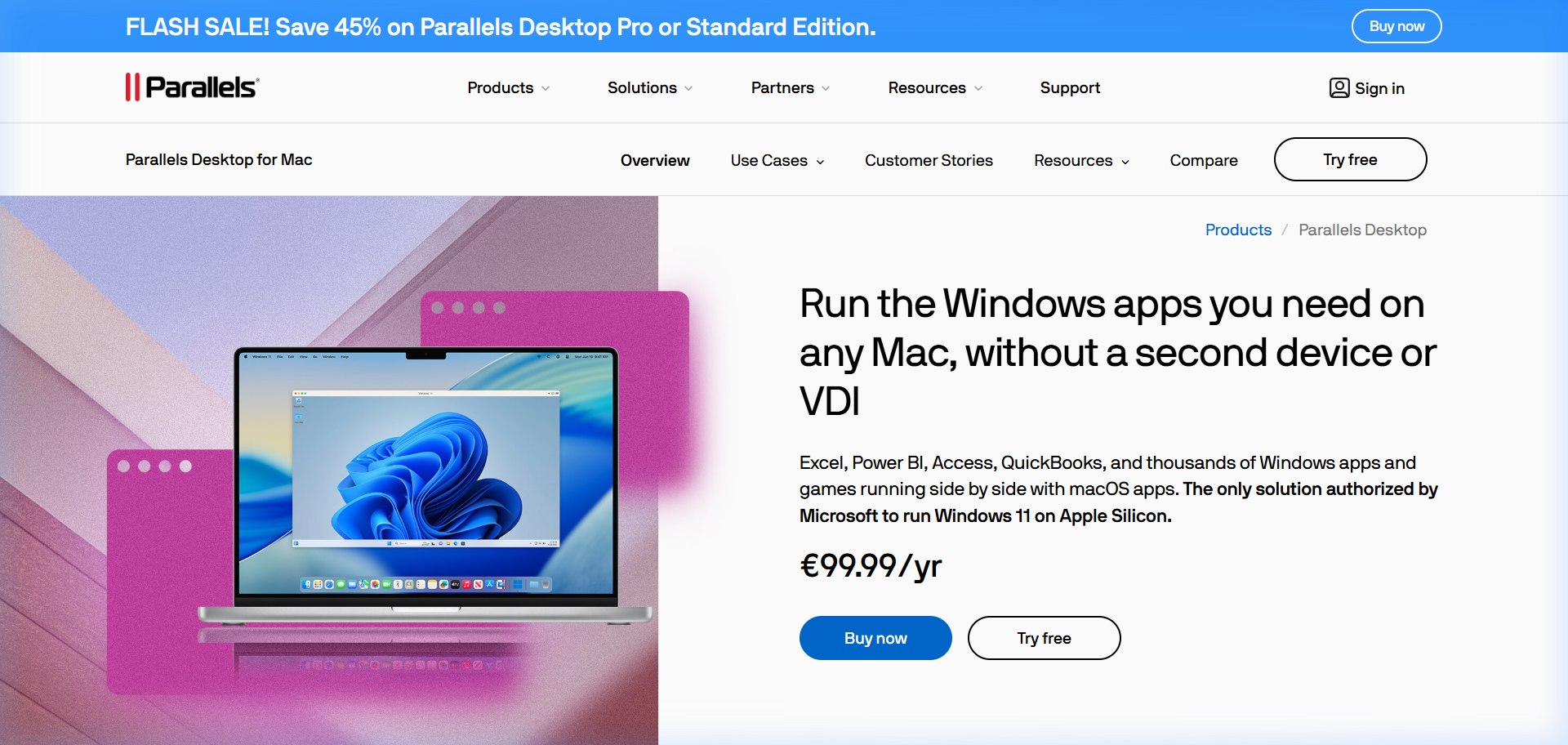
Directly from Parallels (recommended): parallels.com - most reliable, always current version, subscription management in your account.
Through affiliate links (often discounted): Affiliate partners sometimes have promotional rates. Check the coupon page on this site.
Student pricing: The education store at parallels.com/education/ - 50% off for verified students. Details here.
Retail (Amazon, Best Buy, etc.): Parallels is sold through retail, usually the perpetual version. Occasionally on sale.
Avoid: Third-party marketplaces selling “lifetime keys” for $20. These are stolen or fraudulently obtained keys that will eventually be deactivated.
Frequently Asked Questions
Which Parallels Desktop edition should I buy? Standard is right for almost everyone - professionals, home users, students. Pro is for developers who need more CPU allocation or Docker integration. Business is for IT departments managing multiple licenses.
Is there a one-time purchase option? Yes. The perpetual license is $149.99 for Standard. It owns the current version forever but doesn’t include future major version upgrades (those require upgrade fees).
Does Parallels include Windows? Yes. When you install Parallels and set up a new VM, it downloads and installs Windows 11 automatically. The Windows license is included for the duration of your subscription.
Can I use one Parallels license on multiple Macs? The Standard and Pro licenses allow installation on one Mac. If you need to use it on two Macs, you’d need two licenses. Business edition has volume pricing for this.
Is there a family plan? Not specifically, though the Business edition with volume pricing serves small groups. For a household with two Macs, two individual licenses are the standard path.
Can I try before buying? Yes - 14-day free trial, no credit card required.
Parallels VM Resource Calculator
Find the best CPU and RAM allocation for your setup