
Parallels Desktop Free Trial: 14 Days, No Credit Card, Full Features
Parallels Desktop has a 14-day free trial. No credit card required. You download the software, install it, and get full access to everything - including Windows installation - for two weeks.
This page covers what’s included, what’s worth testing during the trial, and what your options are when the 14 days end.
What the Trial Includes
Everything. The trial version is not a limited version - it’s the full Standard edition software. You get:
- Full Parallels Desktop 26 application
- Automatic Windows 11 installation (Parallels downloads and installs it for you)
- Coherence Mode (Windows apps on your Mac desktop)
- Shared Clipboard and Drag-and-Drop between Mac and Windows
- Shared Folders (access your Mac files from Windows)
- Parallels Toolbox
- Parallels Access (iPad and iPhone remote access)
- Parallels Desktop app for iPhone
The only limit is time - 14 days from when you first launch the trial.
How to Start the Trial
- Go to parallels.com/desktop/trial/
- Download the Parallels Desktop installer
- Install it on your Mac (standard Mac app installation)
- Open Parallels. It prompts you to install Windows.
- Choose “Install Windows” - Parallels downloads Windows 11 from Microsoft and installs it automatically
- Windows is ready in 10 - 20 minutes
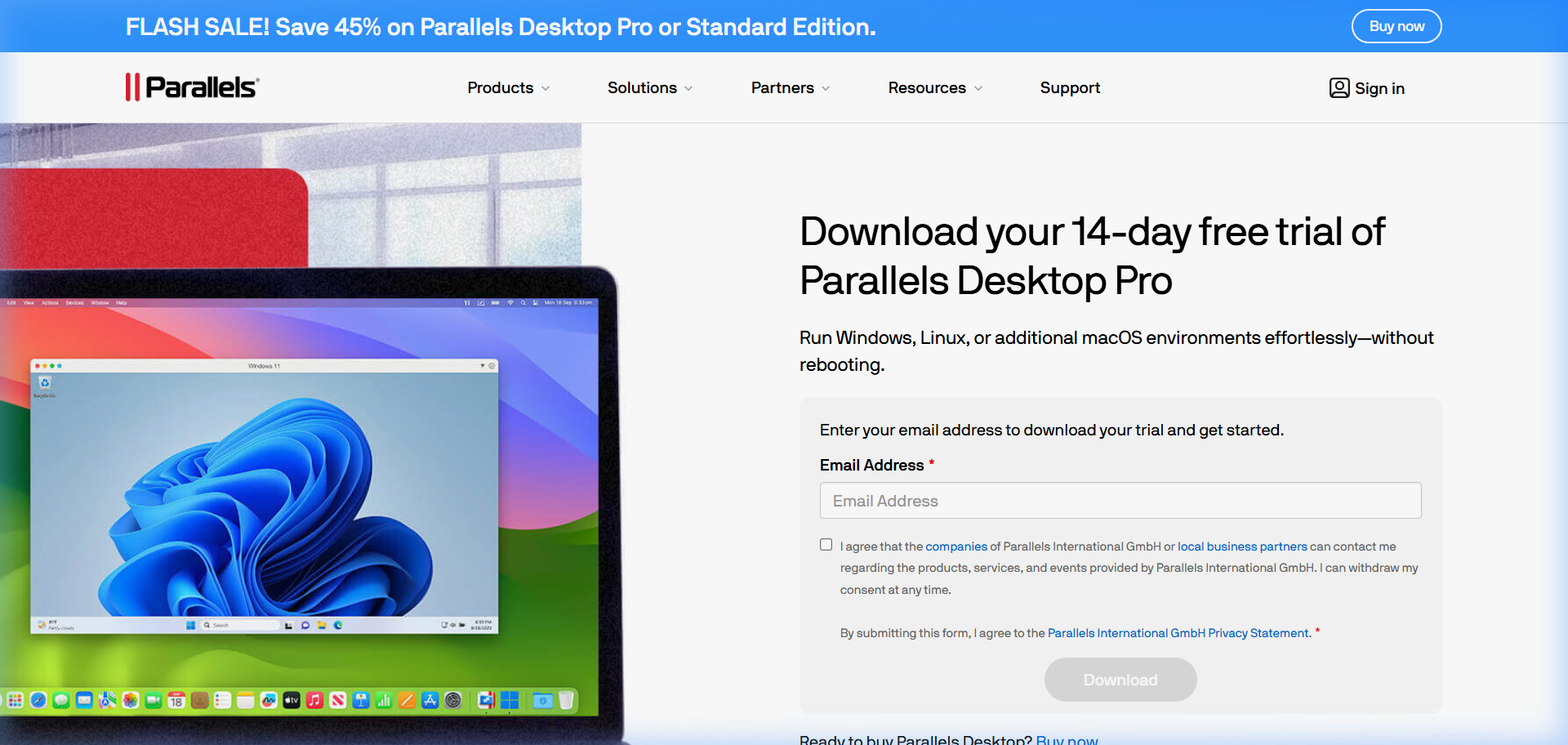
No license key required to start. No payment information asked.
What to Test During Your 14 Days
The trial is long enough to test everything properly. Here’s what to focus on based on why you’re considering Parallels:
For running a specific Windows app: Install the app on day 1. Use it for the full two weeks in your actual workflow. This is the real test - not whether it installs, but whether it performs well enough for daily use.
For performance: Run your Windows app alongside your Mac apps and note whether the performance impact on macOS is acceptable. On M-chip Macs with 16+ GB RAM, most people find it barely noticeable. On older Intel Macs with 8 GB, it can be more significant.
For Coherence Mode: Try working in Coherence Mode for a day. See if the experience of using Windows apps alongside Mac apps feels natural to you.
For boot time: Note how long Windows takes to start from a suspended state (2 - 3 seconds) vs. a cold boot (8 - 12 seconds). This affects how you’ll use it day-to-day.
What Happens When the Trial Ends
At the end of 14 days, Parallels stops running your Windows VM. Your Windows installation and all files inside it are preserved - nothing is deleted. You just can’t run Windows until you activate a license.
Your options at that point:
Purchase Parallels Desktop: $99.99/year for Standard, $149.99 for Pro. Check the current coupon page for active discounts. If you’re a student, the student pricing is $49.99/year.
Switch to a free alternative: VMware Fusion (free for personal use), UTM (free, open source), or VirtualBox (free). Your Windows VM created in Parallels can’t be directly imported into these tools - you’d need to set up a new Windows installation. But your Windows data files (documents, installed software settings) can be migrated with some effort.
Decide not to proceed: If the trial convinced you that a virtual machine isn’t right for your workflow, that’s useful information to have before spending anything.
Frequently Asked Questions
Does Parallels’ free trial require a credit card? No. The trial downloads and runs without payment information.
Can I extend the Parallels free trial? Not officially. The 14-day window is fixed. If you need more time to evaluate, contact Parallels support - occasionally they extend trial periods on request.
Is Windows free during the Parallels trial? Windows is included through Parallels’ automatic installation during the trial period. The Windows license is tied to your Parallels subscription. This is part of why the transition from trial to paid is smooth - no separate Windows purchase required.
Will my Windows apps and data be deleted when the trial ends? No. Your Windows installation is preserved. You won’t be able to run Windows until you purchase, but nothing is deleted.
Can I run Parallels free trial multiple times (fresh install)? The trial is tied to your Apple ID and hardware. Running a fresh install resets the app but Parallels typically detects the prior trial and doesn’t restart the 14 days.
Is there a free version of Parallels that works indefinitely? No. Parallels is a paid product. Free alternatives include VMware Fusion (free for personal use), UTM (open source), and VirtualBox. See our comparison guide for details.
Virtualization Architecture
Parallels VM Resource Calculator
Find the best CPU and RAM allocation for your setup