
पैरेलल्स डेस्कटॉप नि:शुल्क परीक्षण: 14 दिन, कोई क्रेडिट कार्ड नहीं, पूर्ण सुविधाएँ
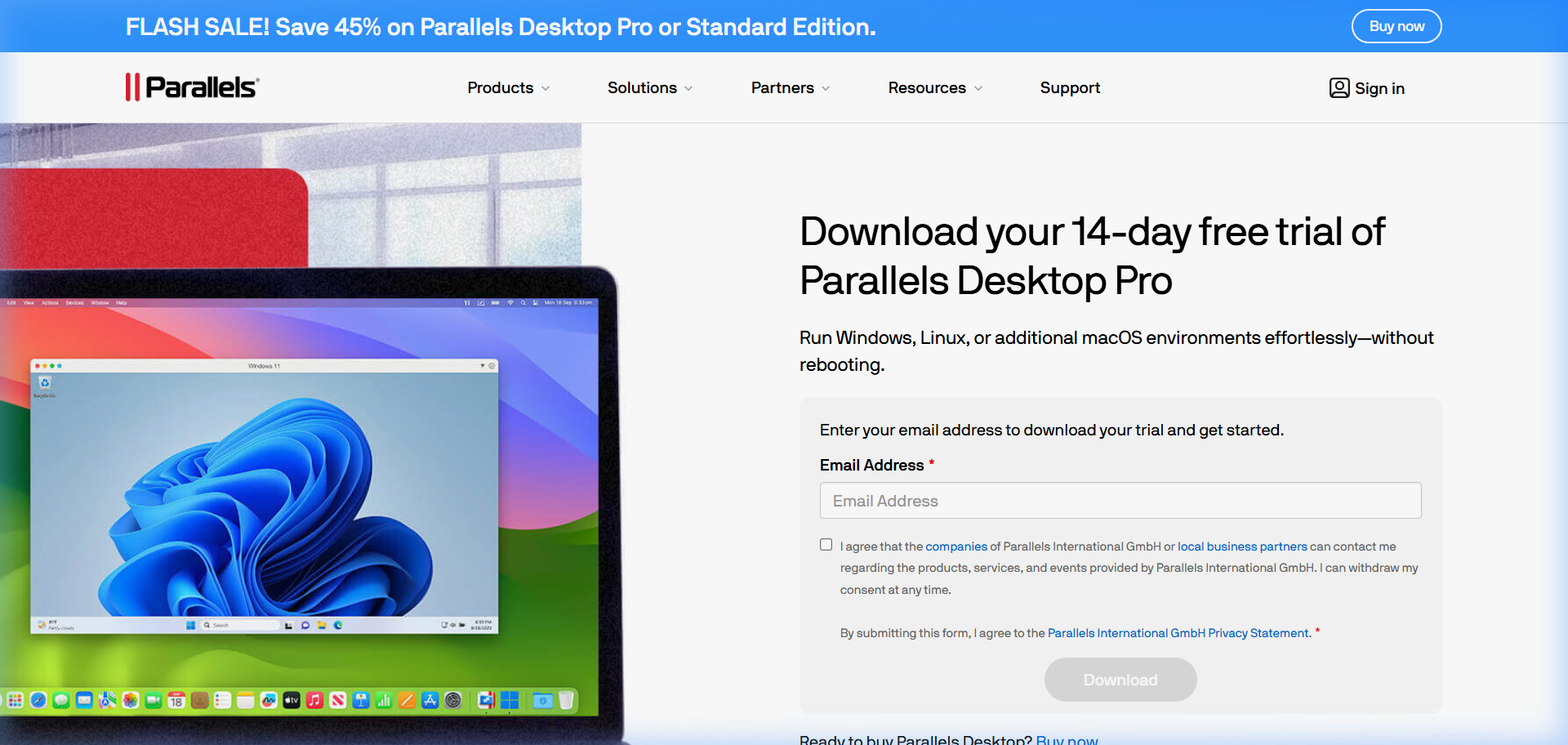
पैरेलल्स डेस्कटॉप का 14 दिन का निःशुल्क परीक्षण है। किसी क्रेडिट कार्ड की आवश्यकता नहीं. आप सॉफ़्टवेयर डाउनलोड करते हैं, इसे इंस्टॉल करते हैं, और दो सप्ताह के लिए - विंडोज़ इंस्टॉलेशन सहित - हर चीज़ तक पूर्ण पहुंच प्राप्त करते हैं।
यह पृष्ठ बताता है कि क्या शामिल है, परीक्षण के दौरान परीक्षण के लायक क्या है, और 14 दिन समाप्त होने पर आपके पास क्या विकल्प हैं।
परीक्षण में क्या शामिल है
सब कुछ। परीक्षण संस्करण कोई सीमित संस्करण नहीं है - यह पूर्ण मानक संस्करण सॉफ़्टवेयर है। आपको मिला:
- पूर्ण समानताएं डेस्कटॉप 26 एप्लिकेशन
- स्वचालित विंडोज़ 11 इंस्टालेशन (समानांतर आपके लिए इसे डाउनलोड और इंस्टॉल करता है)
- सुसंगतता मोड (आपके मैक डेस्कटॉप पर विंडोज ऐप्स)
- मैक और विंडोज़ के बीच साझा क्लिपबोर्ड और ड्रैग-एंड-ड्रॉप
- साझा किए गए फ़ोल्डर (विंडोज़ से अपनी मैक फ़ाइलों तक पहुंचें)
- समानताएं टूलबॉक्स
- समानताएं एक्सेस (आईपैड और आईफोन रिमोट एक्सेस)
- iPhone के लिए पैरेलल्स डेस्कटॉप ऐप
एकमात्र सीमा समय है - जब आप पहली बार परीक्षण शुरू करते हैं तब से 14 दिन।
ट्रायल कैसे शुरू करें
- Parallels.com/desktop/trial/ पर जाएं
- पैरेलल्स डेस्कटॉप इंस्टॉलर डाउनलोड करें
- इसे अपने मैक पर इंस्टॉल करें (मानक मैक ऐप इंस्टॉलेशन)
- समानताएं खोलें. यह आपको विंडोज़ स्थापित करने के लिए संकेत देता है।
- “विंडोज़ इंस्टॉल करें” चुनें - पैरेलल्स माइक्रोसॉफ्ट से विंडोज 11 डाउनलोड करता है और इसे स्वचालित रूप से इंस्टॉल करता है
- 10-20 मिनट में विंडोज़ तैयार हो जाती है
प्रारंभ करने के लिए किसी लाइसेंस कुंजी की आवश्यकता नहीं है. कोई भुगतान संबंधी जानकारी नहीं मांगी गई.
आपके 14 दिनों के दौरान क्या परीक्षण करना है
हर चीज़ का ठीक से परीक्षण करने के लिए परीक्षण काफी लंबा है। आप समानताओं पर विचार क्यों कर रहे हैं, इसके आधार पर यहां बताया गया है कि आपको किस पर ध्यान केंद्रित करना चाहिए:
For running a specific Windows app: Install the app on day 1. Use it for the full two weeks in your actual workflow. This is the real test - not whether it installs, but whether it performs well enough for daily use.
For performance: Run your Windows app alongside your Mac apps and note whether the performance impact on macOS is acceptable. On M-chip Macs with 16+ GB RAM, most people find it barely noticeable. On older Intel Macs with 8 GB, it can be more significant.
For Coherence Mode: Try working in Coherence Mode for a day. See if the experience of using Windows apps alongside Mac apps feels natural to you.
For boot time: Note how long Windows takes to start from a suspended state (2 - 3 seconds) vs. a cold boot (8 - 12 seconds). This affects how you’ll use it day-to-day.
परीक्षण समाप्त होने पर क्या होता है
14 दिनों के अंत में, Parallels आपका Windows VM चलाना बंद कर देता है। आपका विंडोज़ इंस्टॉलेशन और उसके अंदर की सभी फ़ाइलें संरक्षित हैं - कुछ भी हटाया नहीं गया है। जब तक आप लाइसेंस सक्रिय नहीं कर लेते, आप विंडोज़ नहीं चला सकते।
उस समय आपके विकल्प:
Purchase Parallels Desktop: $99.99/year for Standard, $149.99 for Pro. Check the current coupon page for active discounts. If you’re a student, the student pricing is $49.99/year.
Switch to a free alternative: VMware Fusion (free for personal use), UTM (free, open source), or VirtualBox (free). Your Windows VM created in Parallels can’t be directly imported into these tools - you’d need to set up a new Windows installation. But your Windows data files (documents, installed software settings) can be migrated with some effort.
Decide not to proceed: If the trial convinced you that a virtual machine isn’t right for your workflow, that’s useful information to have before spending anything.
अक्सर पूछे जाने वाले प्रश्नों
Does Parallels’ free trial require a credit card? No. The trial downloads and runs without payment information.
Can I extend the Parallels free trial? Not officially. The 14-day window is fixed. If you need more time to evaluate, contact Parallels support - occasionally they extend trial periods on request.
Is Windows free during the Parallels trial? Windows is included through Parallels’ automatic installation during the trial period. The Windows license is tied to your Parallels subscription. This is part of why the transition from trial to paid is smooth - no separate Windows purchase required.
Will my Windows apps and data be deleted when the trial ends? No. Your Windows installation is preserved. You won’t be able to run Windows until you purchase, but nothing is deleted.
Can I run Parallels free trial multiple times (fresh install)? The trial is tied to your Apple ID and hardware. Running a fresh install resets the app but Parallels typically detects the prior trial and doesn’t restart the 14 days.
Is there a free version of Parallels that works indefinitely? No. Parallels is a paid product. Free alternatives include VMware Fusion (free for personal use), UTM (open source), and VirtualBox. See our comparison guide for details.
Virtualization Architecture
Parallels VM Resource Calculator
Find the best CPU and RAM allocation for your setup